How to use the online help system
Welcome to Kahua's new online help system. We are continuing to add information to these pages, so please check back as we update the content. If you need further assistance, please visit our support site.
How to . . .
 Search for a topic
To search for a topic, enter an appropriate search term in the search box at the top of the page and click the search icon  or press Enter.
Key elements of searching the help include the following:
-
Search is not case-sensitive.
-
Search results will include variant endings. For example, search results from the word report will include reports and reporting.
-
You can search for phrases by using quotes around the search term. For example, searching for "daily reports" with quotes will only find topics with the phrase daily reports, not the word daily alone or the word reports alone.
-
Entering two or more words without quotes implies an AND search. For example, searching for the phrase daily reports (without quotes) will find topics with both the word daily and the word reports, but not topics that only have the word reports.
-
Use the word OR to find results that contain either word in the search. For example searching for daily OR reports will find topics that contain the word daily or the word reports or both. You can use the pipe symbol (|) in lieu of the word OR.
-
You can use the word NOT to find topics that contain one word but not another. For example, searching for reports NOT daily will find topics that contain the word reports but not the word daily. You can use the carat symbol (^) or the exclamation point (!) in lieu of the word NOT.
Remove highlights on search term results
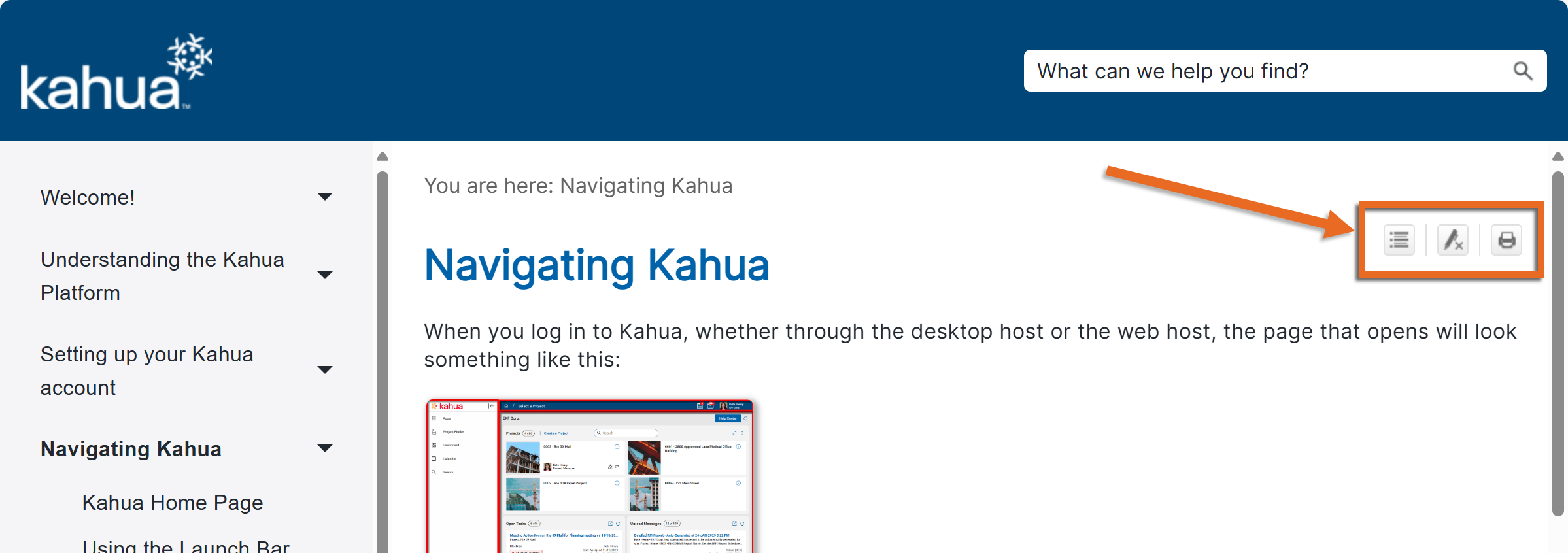
When you complete a search and open a topic, the search terms are highlighted. To remove the highlighting, select the Remove Highlight icon  .
.
Resize the table of contents panel
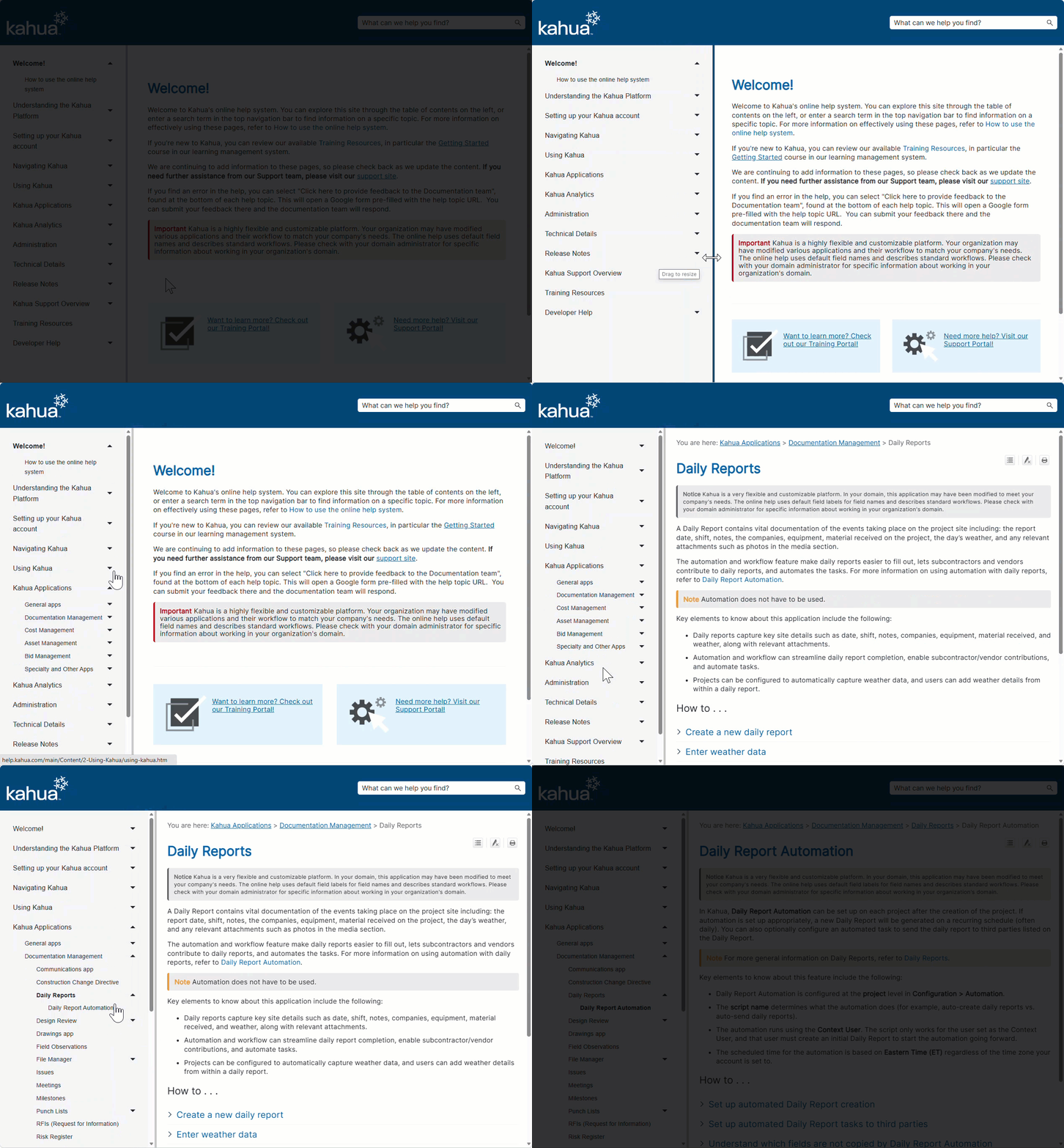
To resize the table of contents panel, hover over the grab bar between the panel and the main content and drag it to the desired location. Your changes are retained while you are viewing the help. The panel will return to its default size when you close and re-open the page.
Expand or collapse sections
To expand or collapse all the sections on a page, select the Expand All  or Collapse All icon
  .
.
Print a documentation page
To print a page of documentation, you should first expand the sections by selecting the Expand All icon.
Once all the sections are expanded, select the Print icon  . The print dialog opens. Adjust the options as needed and select Print.
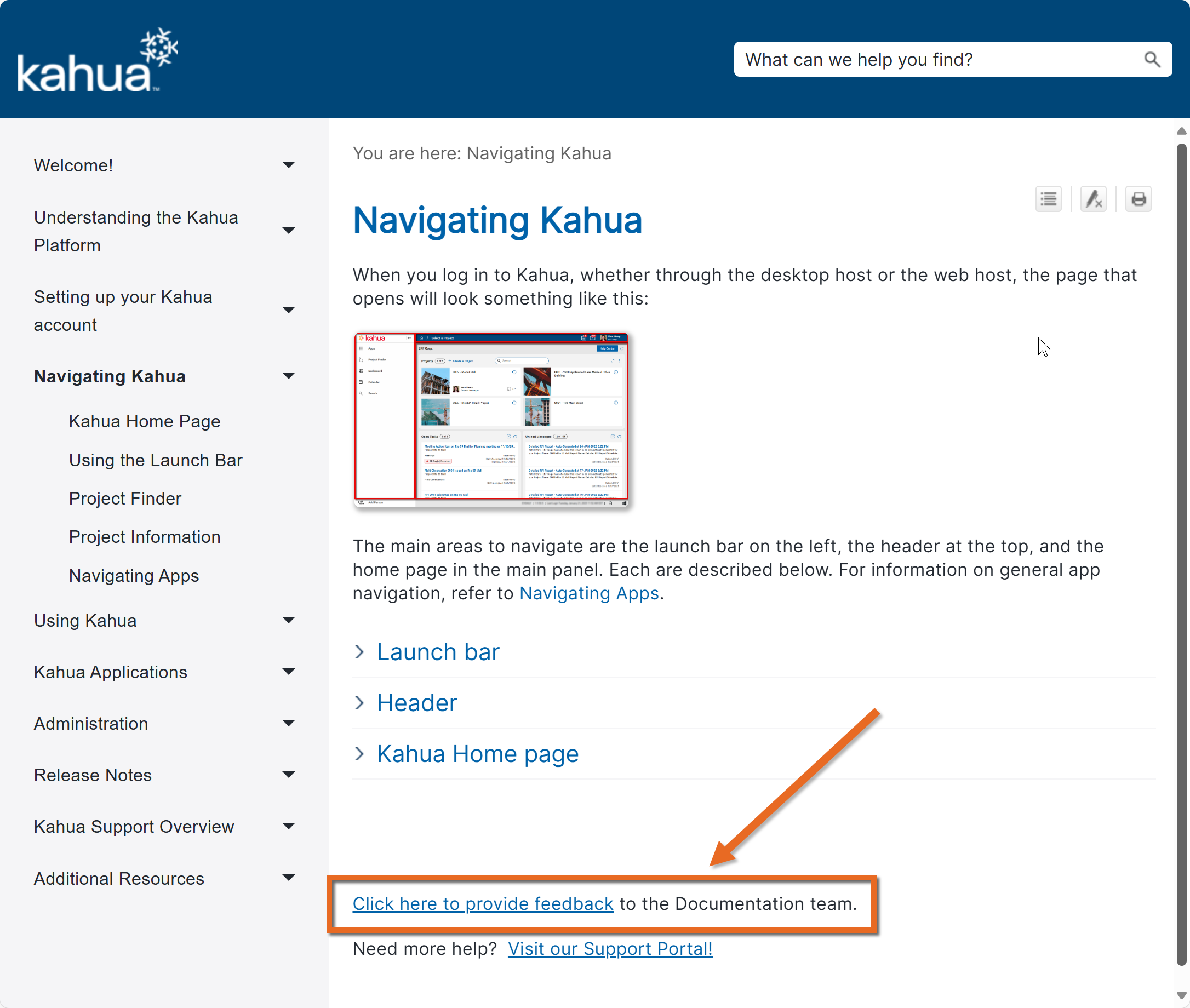
Submit feedback to the documentation team
At the bottom of each help topic is a link to provide feedback to the documentation team. Select that link to open a Google form. The information you provide will be reviewed by the documentation team.