Multifactor Authentication
If your organization does not use SSO, you will be required to use multifactor authentication (MFA) to log in to Kahua. Your organization will determine which methods are available to you on your domain.
Multifactor authentication (MFA) is an account login process that uses more than one method to verify your identity. You probably already use MFA with other consumer websites and apps, where after entering your username and password, you are sent a code that you are required to enter to verify your identity, or you are required to prove your identity on your device through a PIN, facial recognition or another secure authentication option on that device. Kahua's MFA works in a similar manner, requiring you to confirm your identity through a code obtained from either your email or authenticator app, or by authenticating on your device.
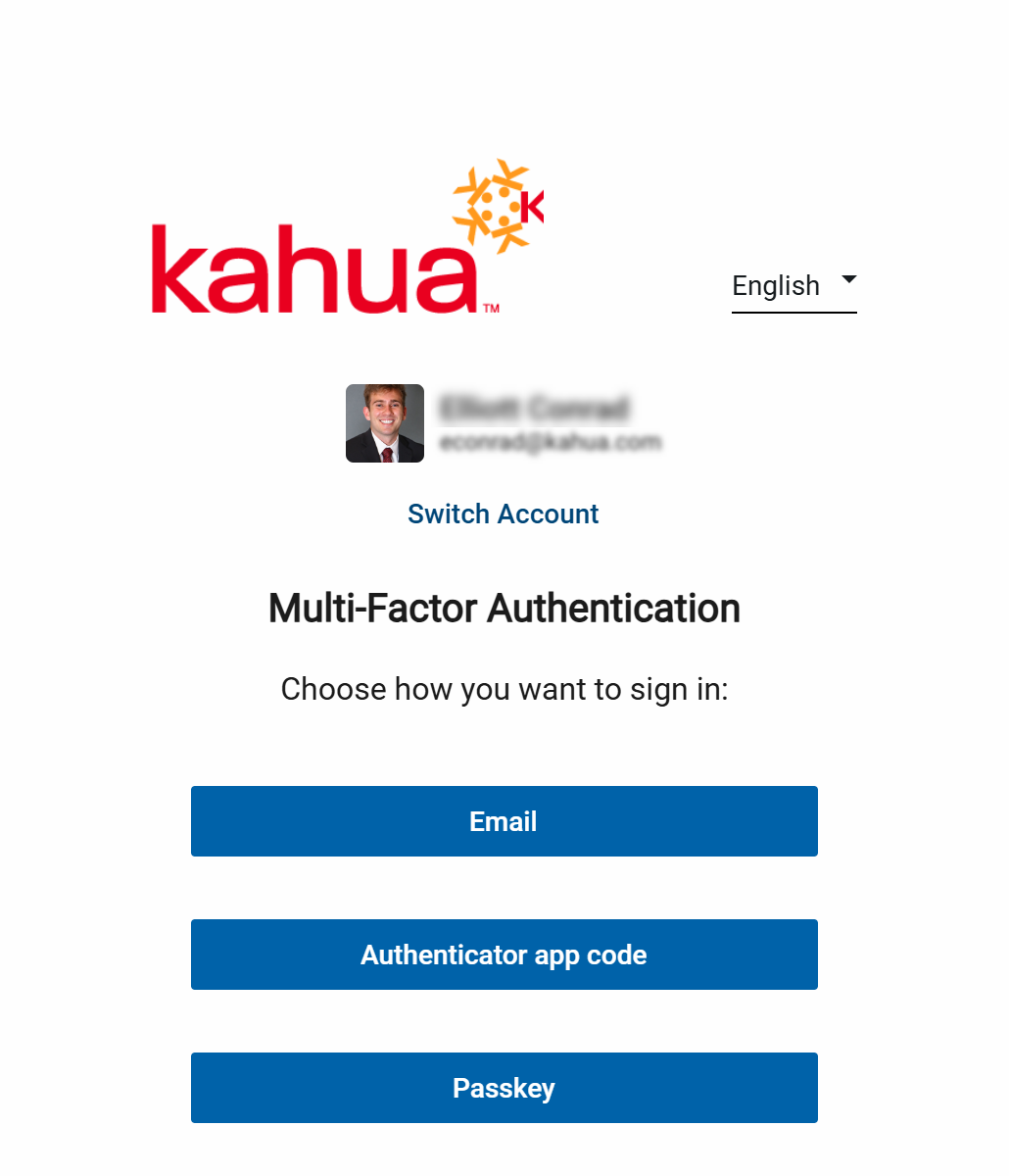
You will be required to use one of the following authentication methods:
-
Email verification - When using this option, when you log in to Kahua you will be sent an email containing a code that you have to enter in to the login page.
-
Authenticator app code - When using this option, when you log in to Kahua you will be required to use an authenticator app such as Microsoft Authenticator or Google Authenticator to generate a new code to enter in to the login page.
-
Passkey - When using this option, you will be required to log in from a supported device and proving your identity on that device through a PIN, facial recognition, or other secure authentication option supported on the device, rather than by using a password. For general information on passkeys, refer to this link.
If your organization allows you to choose between more than one method, you will select the method after you log in with your username and password.
Note If you are a domain administrator, refer to Managing Multifactor Authentication in your domain for information on managing multifactor authentication.
How to . . .
 Use email verification
After entering your email address and password to the login page, you will be sent an authentication code to the email address associated with your Kahua account. Enter that authentication code as required on the login page.
Use an authenticator app
When using an authenticator app, you must download and install the app on your mobile device and complete the initial log in process. Once the initial log in process is complete, subsequent log ins simply require you to enter a code from the authenticator app.
Should you lose access to your device or otherwise lose access to the app, your domain administrator will have to un-enroll you from the authentication method and have you complete the initial log in process again.
The steps involved are as follows:
Download the authenticator app
The authenticator app you select can be downloaded and installed on your mobile device. You can use any app that supports TOTP. Check with your corporate IT department for their preferred authenticator app.
Commonly used apps include the Microsoft Authenticator app and the Google Authenticator app. If your mobile device uses Apple iOS, you can go to the App Store to download and install the latest version of Microsoft Authenticator or Google Authenticator. If your mobile device uses Google Android, you can go to Google Play to download and install the latest version of Microsoft Authenticator or Google Authenticator.
Complete the initial log in
The first time you log in after the requirement has been added to your user profile, a verification code will be sent to your email address. You will be required to enter that code on the login page.
The code will expire after five minutes. If it expires, you will be required to re-enter your login credentials and receive a new code.
Once the verification code has been entered, a QR code will appear on the Kahua login screen. Complete the following steps:
-
Open the previously installed authenticator app on your mobile device.
-
Add your account to the app. Each app does this a bit differently. Select Scan QR code, or select Add then Scan QR code.
-
Use the camera on your mobile device to scan the QR code. This will setup your Kahua account in the app.
-
Once you've scanned the QR code, the app will generate an authentication code.
-
Enter the newly generated authentication code into the Kahua login page. Click Enroll & Login to enroll your Kahua account with the authenticator app and open Kahua.
Steps for subsequent logins
Once you have completed the initial login, subsequent logins will simply require your login credentials and a code retrieved from the authenticator app.
Complete the following steps:
-
Navigate to the Kahua login page, either through the desktop host or the web.
-
Enter your email address and password and click Sign in. The verification page appears.
-
Open the authenticator app and navigate to your Kahua account in the app to view the authentication code.
-
Enter the code on the Kahua verification page. Click Verify to open Kahua.
What to do if you lose access to the authenticator app
If you lose access to the authenticator app because your phone is lost, the app is accidentally deleted from your device, or any other reason, you should reach out to the Kahua domain administrator for your organization for assistance.
Your Kahua domain administrator must go to your profile in the Users app and un-enroll you from multifactor authentication. This will remove your current multifactor authentication configuration. The next time you attempt to log in to Kahua, you will be required to re-enroll with the authenticator app, following the Complete the initial log in steps above.
If you are a domain administrator, refer to Manage User Multifactor Authentication settings.
Use a passkey
When using a passkey, you must download and install the app on your mobile device and complete the initial log in process. Once the initial log in process is complete, subsequent log ins simply require you to sign in with the passkey.
Should you lose access to the passkey for some reason, your domain administrator will have to un-enroll you from the authentication method and have you complete the initial log in process again.
The steps involved are as follows:
Register your passkey
The first time you log in after the requirement has been added to your user profile, you will be required to register your passkey. You will initially enter your user name and password. When you select Register New Passkey, you will be taken to an external browser window to complete the registration.
As part of this process, you will be required to verify your identity through a code sent to your email address.
Complete the registration process as determined by the operating system on your device.
Once registered, the passkey will be available for use in subsequent logins.
Steps for subsequent logins
Once you have completed the initial login, subsequent logins will simply require you to sign with the passkey you selected when you completed the original passkey registration.
What to do if you lose access to the passkey
If you lose access to the passkey, the Kahua domain administrator can go to your profile in the Users app and un-enroll you from multifactor authentication. This will remove your current multifactor authentication configuration. The next time you attempt to log in to Kahua, you will be required to re-enroll in a multifactor authentication option.
For more information, refer to Manage User Multifactor Authentication settings.