Dynamic Templates
The Dynamic Templates feature allows users with the appropriate permissions to change the output of a specific record, provided a MS Word template is being used to generate the Portable View PDF. It is intended to be used for making formatting changes or updates to hard-coded content within a template. It should not be used to modify any data points of the record. Record data should be updated by editing the record.
Key things to know about dynamic templates include the following:
-
It is intended to update the output of a single record. To make changes to a template that can be made available to all records in an app, you should modify the portable view in configuration. For more information, refer to Portable Views.
-
It should only be used to update non-data text on the record or to make formatting changes.
Example You need to add a note about the due date on an item for a specific situation. You can use this feature to update the note, but any change to the actual due date should be done on the record, not by modifying the template.
-
The template being edited must be a MS Word template.
-
Changes can be made by users with Moderator permissions or higher, or users with the "Template Editor" permission for the app.
How to . . .
 Modify the view of a single record
To modify the portable view for a single record with the Dynamic Templates feature, complete the following steps:
-
Select the record you want to modify the view output for.
-
Click Edit to open it in edit mode.
-
Scroll to the View Template field. Where it appears on the record depends on which app you are using.
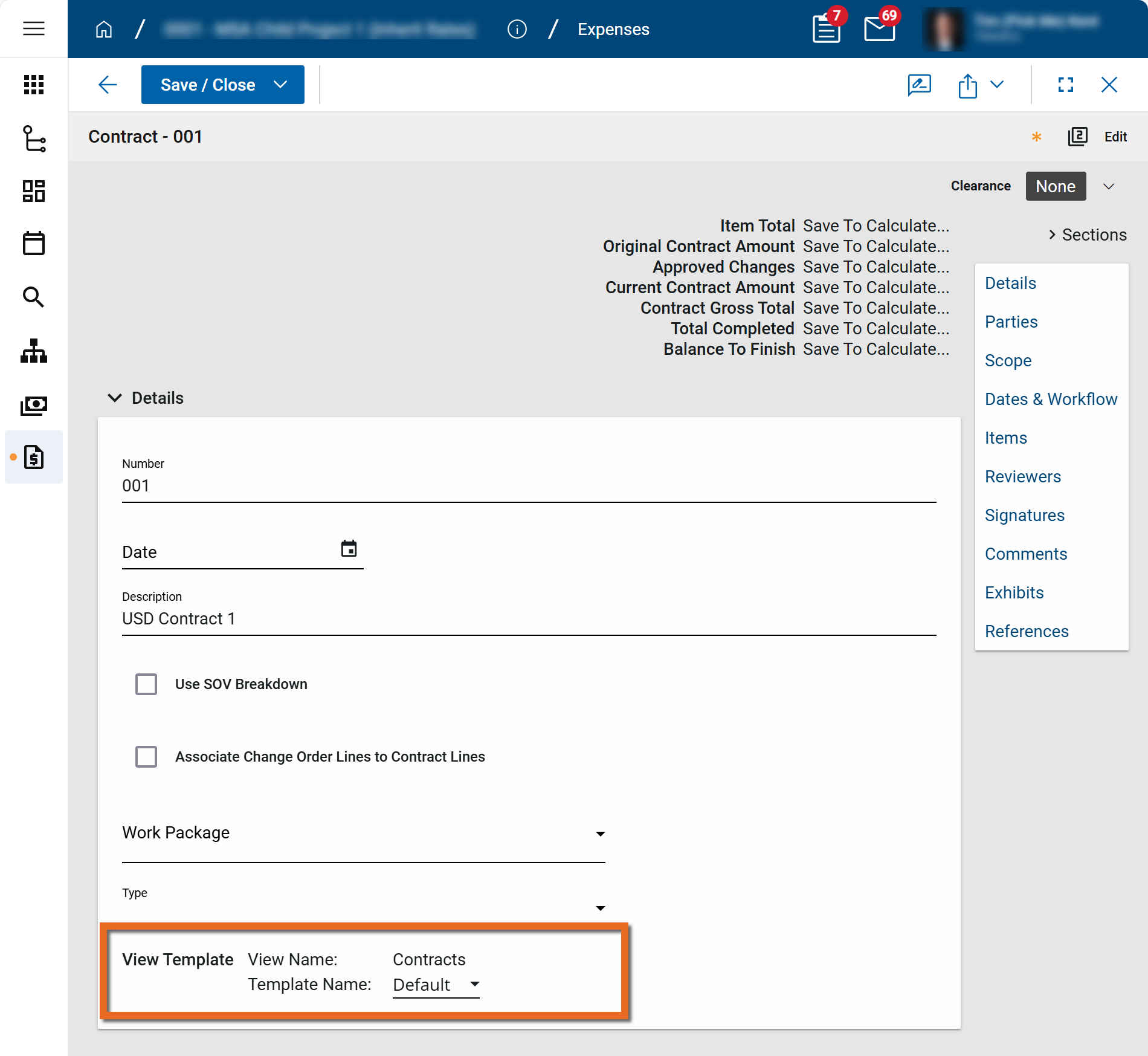
-
Click in the Template Name field and select a template other than the Default template to use for the updates.
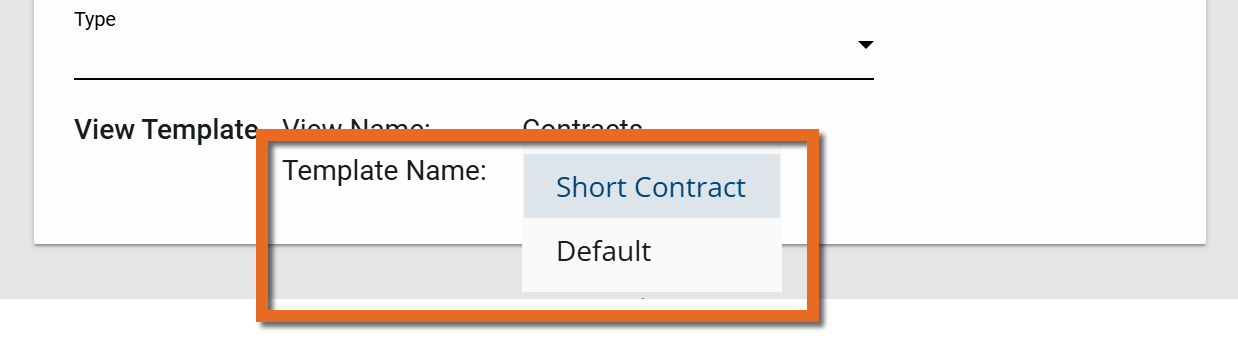
Note Not all apps will have additional views available.
-
Click Save / Close to save your changes.
-
Once the record is saved, the Edit icon
 appears next to the template name. Click on it to open and edit the selected portable view.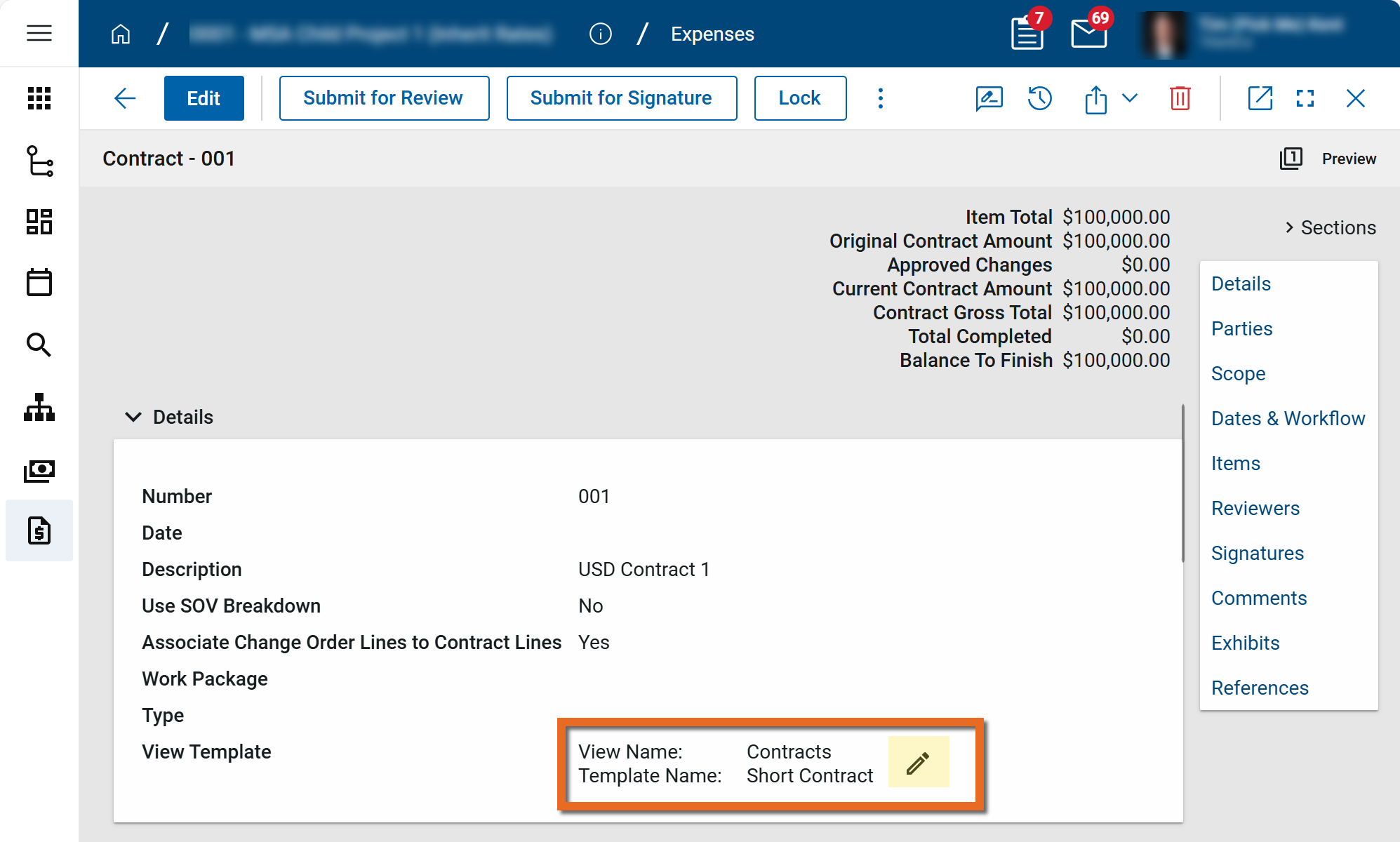
-
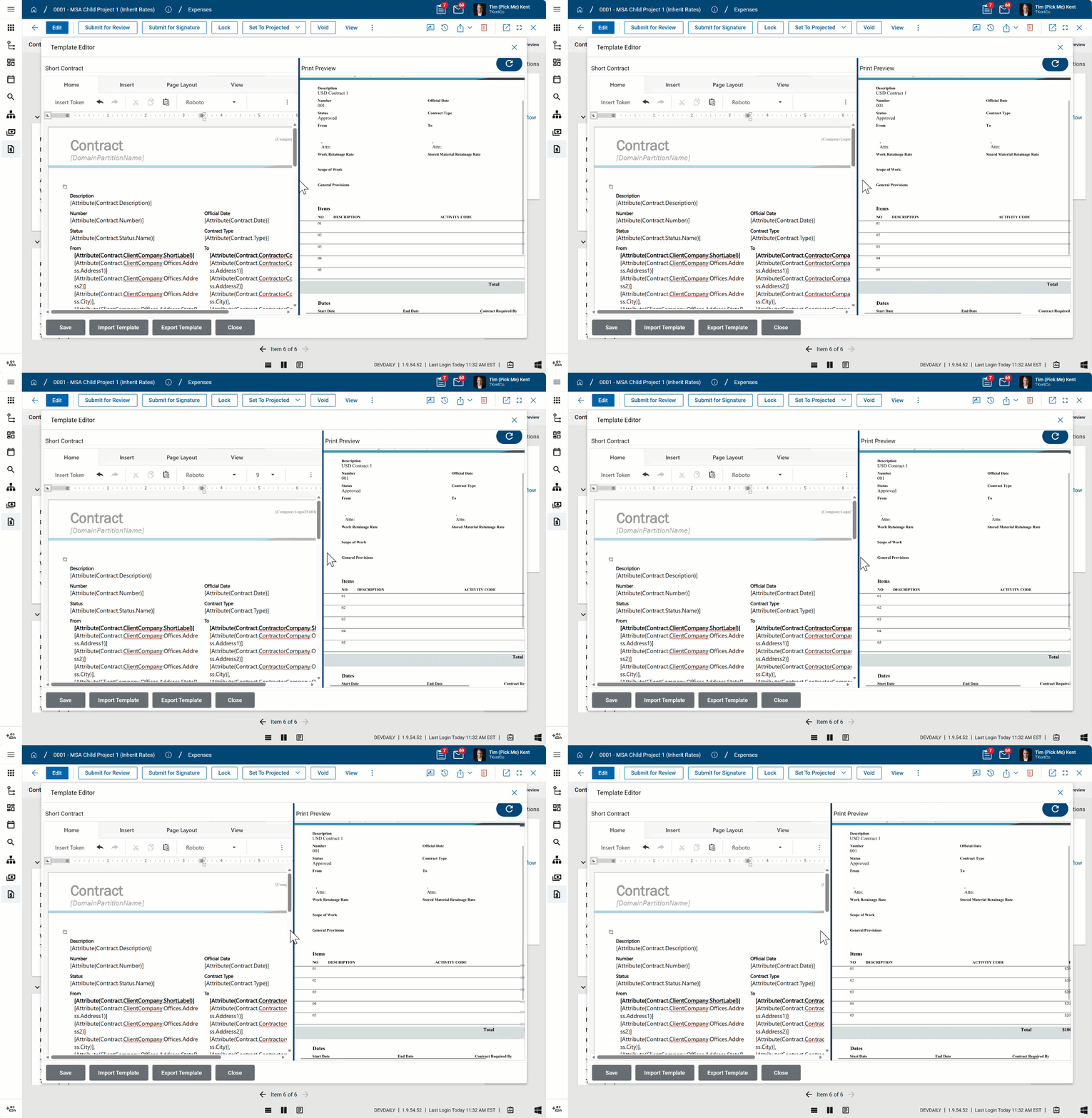
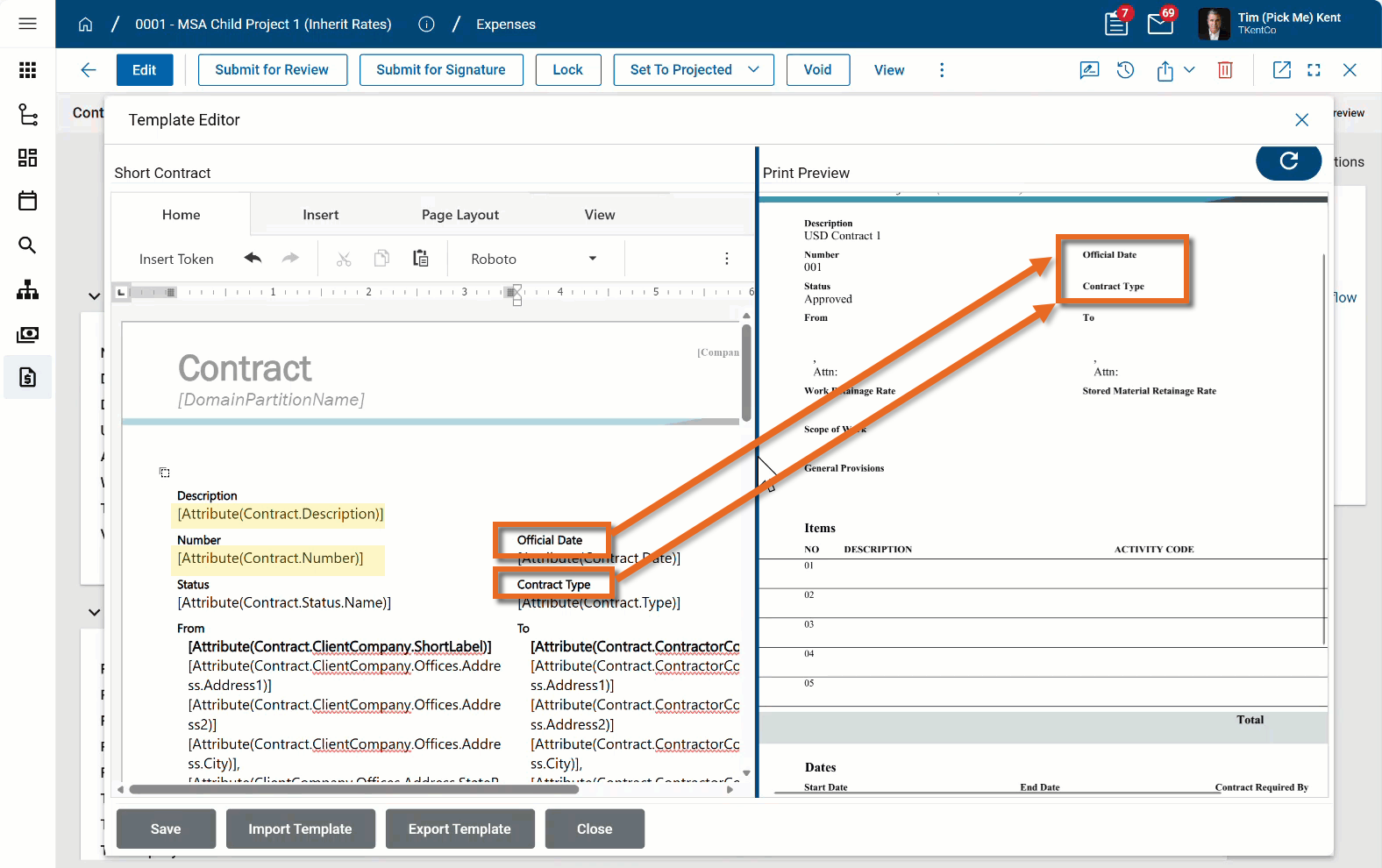
The Template Editor page opens. The editable template appears on the left. The preview appears on the right. You can grab the line between them to adjust their width in the view.
-
You can edit the template in one of the following two ways:
-
Make changes directly in this interface.
-
Select Export Template to export the Word file template, make your changes, and then select Import Template to replace the existing file with the one with your changes.
-
-
Remember to only change formatting or hard-coded text on the template, such as the text in the orange rectangles in the image below. Fields in brackets, such as those highlighted below, are tokens that represent values from the record. If changes are needed to those values, make the edits directly on the record.
-
Click Close when you are done to save your changes.
Important This only updates the portable view used on this record where changes were made. Other records are not affected by these modifications.